Unlock over a thousand hidden macOS settings and run one-cli...
35% OFF
From
$19.47$29.95
SAVE $10.48
Offer Expired
This special offer has ended. Get notified when similar deals become available.
Unlock over a thousand hidden macOS settings and run one-cli...
Grab text from anywhere on screen — images, video, PDFs, scr...
Shrink oversized PDFs without visible quality loss. Drag, dr...
Record your screen, get a polished video. CursorClip adds auto zooms to highlight what matters, so you ship demos and tutorials without video editing.
This deal is no longer available.
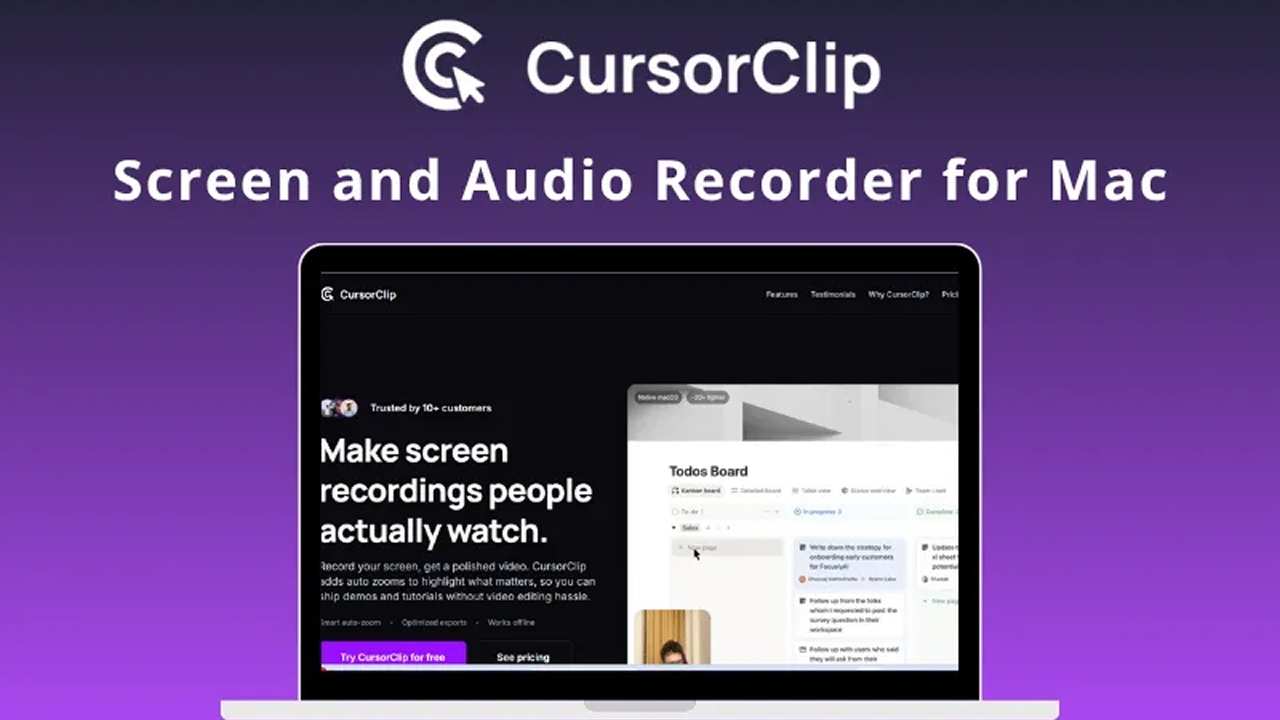
Screen recording with the built-in screen recorder for Mac is fine. But what if you want to edit these videos, add audio to them and use them for a professional purpose? So, DealFuel brings to you –
CursorClip is a native macOS screen recorder that allows you to record, edit, zoom, and add custom backgrounds to your screen recording to create professional-quality videos in no time.
It is a smart, light and easy-to-use tool designed to help you create professional-quality demos & tutorials that look cinematic, without editing.
This tool is a ~18MB native app that launches in under 2 seconds and uses minimal resources, so your Mac stays snappy.
Includes a simple yet powerful video editor to control zoom effects, remove or add zoom points, & fine-tune recordings effortlessly.
CursorClip is a powerful alternative to traditional screen recording tools, including Screen Studio, ScreenCharm, Camtasia and more.
1 use case for CursorClip: Screen Recorder App
Common questions about this deal
CursorClip: Screen Recorder App on BundleHunt includes a license key and instant download access. The license is obtained directly from the developer and activates the latest version of the software.
After purchasing CursorClip: Screen Recorder App through BundleHunt, your license key and download link will be available immediately in your account under "Downloads & Licenses". You can access them anytime.
You will receive the developer's most up-to-date version of CursorClip: Screen Recorder App, fully activated and ready for immediate use.